

Why AI Presentation Makers Are a Game-Changer for Professionals
Do you spend more time moving text boxes and picking fonts than actually planning what to say? You are not alone. A recent study found that over 70% of business professionals spend more effort on slide formatting than on building real content strategy. That is a massive waste of time.
AI presentation makers fix this problem.

They handle the design, layout, and even the research for you. In 2026, the market for these tools has grown to $4.7 billion, and enterprise adoption has crossed 60% worldwide. Professionals in tech, compliance, and finance now rely on them daily to turn rough ideas into polished decks in minutes instead of hours.
But not every tool works the same way. Some focus on deep document parsing for high-stakes accuracy. Others excel at creative design and video-enhanced narration. Choosing the best AI presentation maker means understanding what each one does well and where it falls short.
That is exactly what this guide is for. We have tested the leading tools to help you find the right fit for your workflow. And if staying on top of fast-changing AI tools matters to you, we recommend getting clear daily AI updates from The Deep View Newsletter to keep your knowledge fresh.
Key Features to Look for in an AI Presentation Maker
Now that you know why these tools save so much time, the next question is: what actually makes one the best AI presentation maker for your needs? Not every tool shines in the same areas. Here are the features that matter most for professionals in 2026.
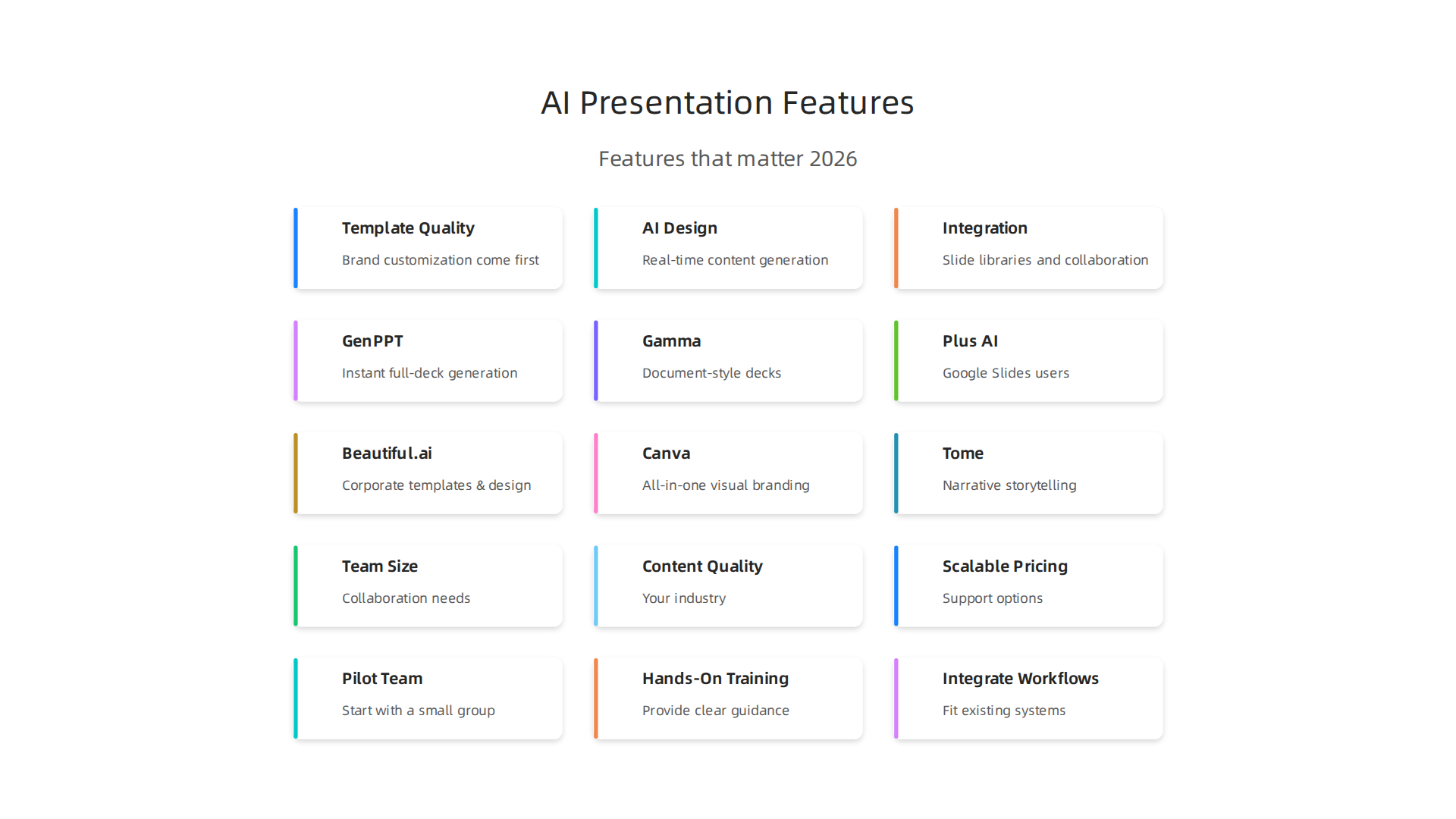
Template quality and brand customization come first. A tool that produces beautiful slides is useless if your company logo, colors, and fonts look wrong every time. The best platforms lock brand elements across every slide so you never accidentally send a deck with mismatched branding. For example, the top-ranked tools like Ajelix focus on "autonomous, accurate, brand-consistent presentation building" according to the 7 Best AI Presentation Makers in 2026. If your industry has strict compliance rules around visuals, you need a tool that enforces brand guidelines automatically. Check out our guide on AI-generated visuals compliance for more on this.
AI design suggestions and content generation are the real time-savers. The best tools don’t just rearrange your bullet points. They research your topic, pull in relevant data, and structure slides logically before you type a word. One tool, GenPPT, uses models like Claude and Gemini to research topics first then build coherent decks. That is a huge step up from basic text-to-slide converters. You want a tool that acts as a smart content partner, not just a formatting robot. Some of the top 10 AI tools for business today include presentation makers with this capability, making them essential for busy teams.
Integration with slide libraries and collaboration tools keeps your workflow smooth. If your team lives in Google Slides or PowerPoint, the tool should feel like a natural extension of that ecosystem. Plus AI, for instance, offers native integration with both platforms, letting you edit and share presentations without switching apps. Look for features like real-time collaboration, version history, and the ability to pull slides from existing libraries. An AI virtual assistant built into the tool that can reformat existing slides or insert new ones on the fly is also a major bonus.
Focus on these three areas when evaluating options. The perfect tool for you will combine strong brand control, smart AI content generation, and seamless integration with the tools you already use.
Overview of the Top AI Presentation Makers in 2026
The market is full of options, but a few names keep rising to the top. Based on hands-on testing across multiple reviews, these are the tools that actually deliver in 2026.
Gamma is one of the most popular choices. It is known for speed and clean design. You can type a prompt and get a decent-looking deck in seconds. It works well for quick internal presentations where brand accuracy is not critical. Gamma offers a free tier with meaningful limits, and paid plans start at $10 per month. According to the 7 Best AI Presentation Makers in 2026, Gamma is the fastest way to a decent-looking deck, but not the right tool when brand accuracy matters.
Beautiful.ai focuses on design quality. Its smart templates automatically adjust as you add content. This makes it ideal for non-designers who need polished, corporate-ready slides. Beautiful.ai starts at $12 per month and lacks AI image generation, but its branded templates are top-tier.
Tome shines for narrative storytelling. If you need to build a persuasive, story-driven deck, Tome’s format works well. It offers a free plan and paid plans from $8 per month. However, its export options are limited compared to others.
Plus AI is the best choice if you work inside Google Slides or PowerPoint. It integrates natively, so you can generate and edit slides without leaving your usual tool. It also offers AI copilot features for rewriting and reformating existing slides. Pricing runs from $12.99 per month.
GenPPT stands out for deep content research. It uses models like Claude and Gemini to research your topic before building slides. This leads to more coherent, data-rich presentations. GenPPT starts at $9 per month with a 3-day trial.
When choosing among these, think about where your team works and how much control you need over brand elements. If you generate slides with AI visuals, make sure you understand compliance rules. Check our guide on AI-generated visuals compliance to stay safe.
Want to keep up with new AI tools and regulations as they evolve? Get clear daily AI updates from The AI Newsletter Worth Reading.
In-Depth Review: Top 3 AI Presentation Makers
Now that you know the overall landscape, let’s take a closer look at the three tools that consistently perform best in 2026. Each one has a special strength, and picking the right one depends on what you need most.
Gamma: Best for Natural Language to Slide Generation
Gamma has earned its reputation as the tool that turns your words into slides almost instantly. You type a quick sentence or a short paragraph, and Gamma builds a full deck with clean layouts, images, and a consistent visual style. In fact, according to the 12 Best AI Presentation Makers in 2026 (Tested With Real Slides), Gamma has "by far the most advanced AI" and can handle complex prompts that other tools struggle with.
What makes Gamma special is how little effort you need. You don’t have to be a designer or a writer. Just describe your topic, and the AI figures out the structure, the wording, and the design. It also connects to ChatGPT-4 for text and Flux for generating images, so you get a complete package.
Gamma works best when you need a quick presentation for an internal meeting, a progress report, or an investor update. Its free plan is generous, letting you test it without paying. The paid plan starts at $10 per month. The only catch is that its branding controls are limited, so if your company has strict brand rules, you may need to adjust slides after generation.
Beautiful.ai: Best for Superior Design Automation
If you care a lot about how your slides look but you are not a designer, Beautiful.ai is your answer. It uses smart templates that rearrange themselves automatically as you add content. You never need to resize boxes, align text, or tweak spacing. The design stays polished no matter what you throw at it.
A full test of top tools found that Beautiful.ai is the best AI presentation maker for design quality. Its smart slides handle dynamic content like live data updates, so if your numbers change, the slide updates too. This feature is a game changer for monthly reports and dashboards.
Beautiful.ai starts at $12 per month. It does not include AI image generation, so you need to supply your own images or use stock photos. But for corporate decks, pitch decks, and client presentations where first impressions matter, this tool is hard to beat.

It also offers custom branding options that Gamma lacks.
Tome: Best for Narrative Storytelling with Interactive Elements
Tome takes a different approach. Instead of building traditional slide decks, it creates narrative-based presentations that feel more like interactive stories. Each slide flows naturally into the next, and you can embed videos, web pages, and 3D models right into the presentation.
Tome is perfect for sales pitches, product demos, and educational content where you need to guide the audience step by step. According to the Best AI Presentation Makers in 2026 (I Tested 9 Tools Over 3 Weeks), Tome is recommended for narrative storytelling but is situational. That means it is not ideal for every use case, but when storytelling is your goal, it outperforms everything else.
Its free plan lets you create a few presentations, and paid plans start at $8 per month. The main drawback is that export options are limited. You cannot always download a standard PowerPoint file, which may be a problem if your team requires PPTX format.
How to Choose Among These Three
Think about your main goal. If you want speed and ease of use, go with Gamma. If you need perfect design without trying, choose Beautiful.ai. If you plan to tell a story and engage your audience with interactive elements, Tome is your pick.
No matter which tool you use, always double-check that your presentations meet current rules around AI-generated content. The regulations in 2026 are tightening, so staying informed is key. You can read more about AI compliance strategies to avoid fines to keep your company safe.
Side-by-Side Comparison Table
If you are still unsure which tool fits your workflow, this quick comparison table will help.
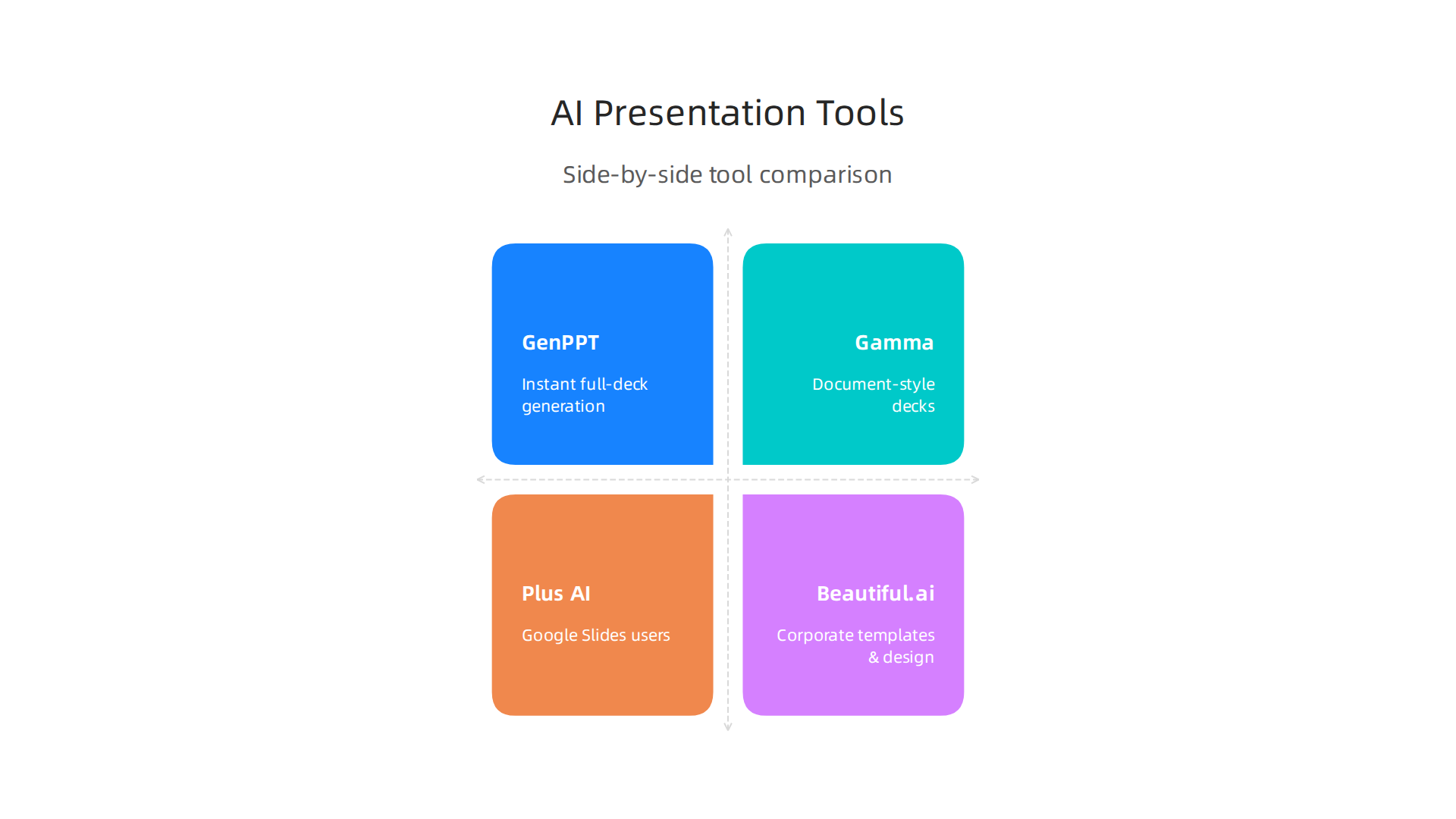
I pulled the data from hands-on testing across multiple sources to give you a clear picture.
| Tool | Best For | Starting Price | Free Plan | Google Slides Integration | AI Image Generation | Custom Branding |
|---|---|---|---|---|---|---|
| GenPPT | Instant full-deck generation | $9/month | 3-day trial | ❌ | ✅ | Limited |
| Gamma | Document-style decks | $10/month | ✅ | ❌ | ✅ | Limited |
| Plus AI | Google Slides users | $12.99/month | ✅ | ✅ | ✅ | ✅ |
| Beautiful.ai | Corporate templates & design | $12/month | ❌ | ❌ | ❌ | ✅ |
| Canva | All-in-one visual branding | $14.99/month | ✅ | ❌ | ✅ | ✅ |
| Tome | Narrative storytelling | $8/month | ✅ | ❌ | ✅ | Limited |
As you can see, the best AI presentation maker for you depends heavily on your budget and your existing tool stack. If your team lives inside Google Slides, Plus AI becomes the obvious choice at $12.99 per month with full integration. If you need a polished corporate deck fast and design matters most, Beautiful.ai is hard to beat even without a free plan.
For a deeper look at how the top tools compare across more features, check out the full breakdown on 12 Best AI Presentation Makers That Actually Work in 2026. It includes testing on tools like SlidesAI and Decktopus that did not make our shortlist but could work for specific needs.
One thing to keep in mind: most of these tools generate images and text using AI models that fall under evolving regulations. If you plan to use AI-created slides for client pitches or public-facing content, review the AI regulations for AI-generated visuals to avoid surprises.
The AI presentation space moves fast. New tools appear every month, and pricing changes often. To stay ahead of the curve and know which tools are actually worth your time, get clear daily AI updates from The AI Newsletter Worth Reading.
How to Choose the Right AI Presentation Maker for Your Team
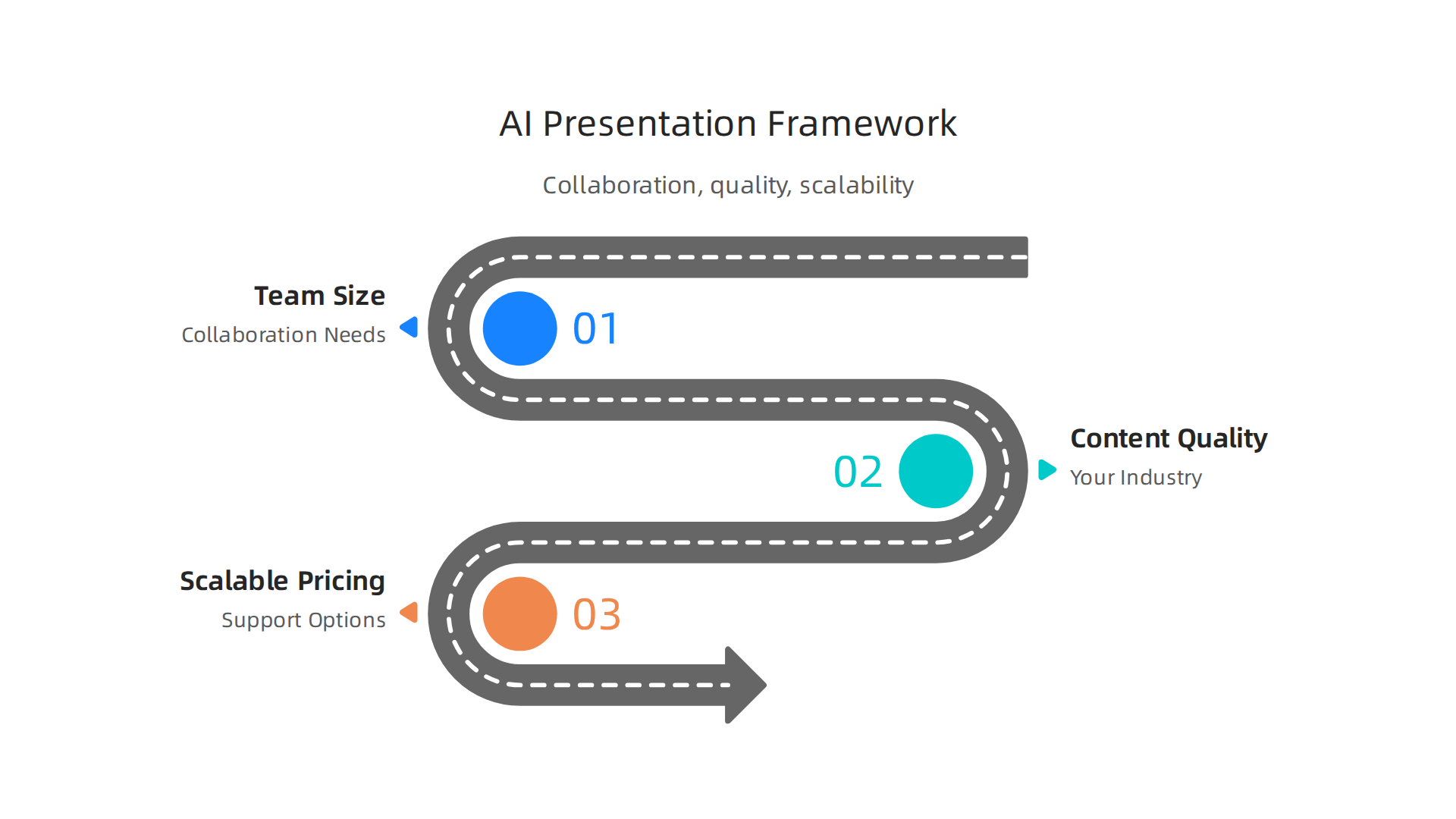
Now that you have a side-by-side view of the top tools, it’s time to make a decision. The best AI presentation maker for your team depends on three key factors: how you collaborate, what quality of content you need, and whether the pricing can grow with you.
Consider Team Size and Collaboration Needs
If you have a small team of two or three people, most tools will work fine. But for larger teams, collaboration features become a dealbreaker. You need real-time editing, version history, and the ability to assign roles. Some tools also let you lock branding so your marketing team keeps control while sales people can still edit content.
One detailed guide on the evaluation criteria for AI presentation makers highlights that feature completeness, including collaboration tools and export options, accounts for 20% of the overall score. If your team relies on PowerPoint or Google Slides, check whether the tool you choose can export clean files without breaking the layout.
Evaluate Content Generation Quality for Your Industry
Not all AI tools produce the same quality of slides. Some generate generic templates, while others research your topic and tailor both text and visuals. If you work in a heavily regulated industry like healthcare or finance, you need a tool that understands your language and avoids vague claims. The same goes for startups pitching investors: every slide must look sharp and sound confident.
Consider running a test prompt that matches your real use case. For example, ask the tool to create a five slide deck about quarterly sales results. Then compare the design quality, accuracy of the data, and how much editing you need afterward. Tools that require heavy manual fixes might save you less time than they promise.
If you want to understand the basics of how these AI models work under the hood, check out this guide on AI and machine learning basics for business leaders. It helps you spot which tools rely on real reasoning versus simple template matching.
Look for Scalable Pricing and Support
A cheap tool today might cost you more later if you outgrow its limits. Look for a pricing model that adds seats or features gradually. Some tools offer a free plan or generous trial, which lets you test before committing. Also check the support options. If your team creates dozens of decks per week, you want fast responses when something breaks.
The best AI presentation maker is the one that fits your workflow without forcing you to change how your team works. Start with a shortlist of two or three tools from the comparison table and test them with real projects. That hands-on experience will tell you more than any review.
Implementation Tips for Maximizing Productivity
Picking the right tool is only half the battle. How you roll it out matters just as much. Here are three practical steps to make sure your team actually gets the productivity boost you’re hoping for.
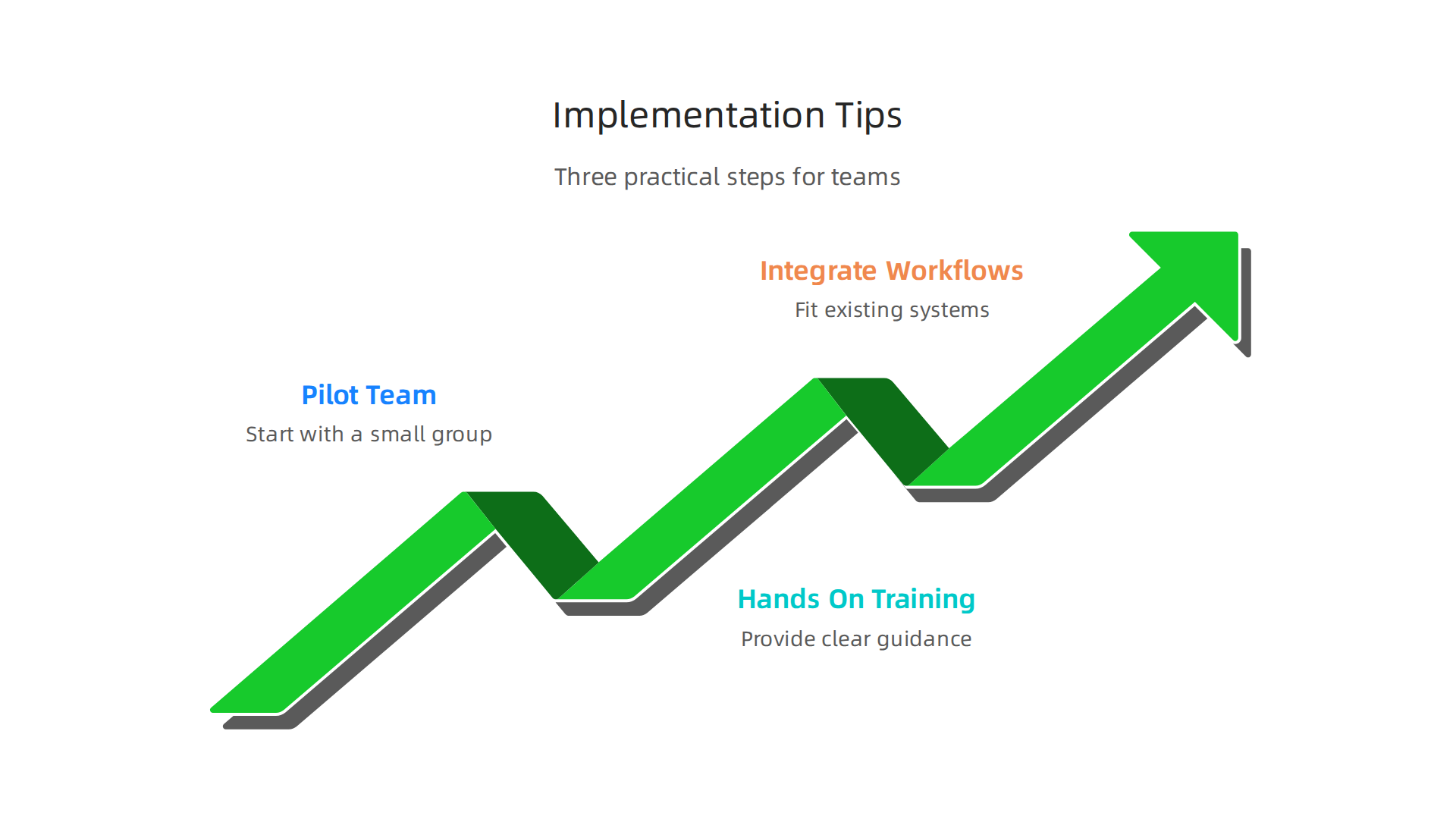
Start with a Pilot Team
Don’t give the tool to everyone on day one. Pick one small team that creates presentations regularly. Let them use it for two weeks on real projects. Then gather honest feedback. Ask about ease of use, export quality, and which features they actually rely on. That feedback will help you decide whether to go all in or adjust your approach.
Provide Hands-On Training
Giving people access without training is a recipe for frustration. Many tools have advanced features like brand consistency settings, AI prompt refinement, and export optimization. A short walkthrough can save hours of confusion. If you need a good starting point, check out this full guide on creating presentations with AI in 2026. It covers prompt writing and workflow setup that works across most tools.
Integrate with Your Existing Workflows
Your team already has a way of working. Maybe they store slide templates in SharePoint or export decks to a shared drive. The best AI presentation maker will fit into those patterns, not fight them. Look for integrations with your CRM, cloud storage, or PowerPoint itself.
Scaling from a small pilot to company-wide use takes planning. For a deeper look at that process, read this guide on scaling AI from pilot to full adoption. It covers common pitfalls and how to avoid them.
Finally, keep learning. AI tools evolve fast. For daily updates on AI trends and practical productivity tips, consider The AI Newsletter Worth Reading. It helps you stay ahead without the noise.
Measuring ROI: The Business Case for AI Presentation Tools
Now that you know how to roll out an AI presentation tool effectively, let’s talk about the numbers that matter most to decision-makers: the return on investment.
The best ai presentation maker can save your team 5 to 10 hours per week per user. That is not a guess. According to research on the best AI tools for business 2026, marketing and content teams see 40 to 60 percent time savings on drafting and imagery generation. When you multiply those savings across a team, the math becomes hard to ignore.
On top of time, you reduce the need for dedicated design help. Many AI tools let non-designers create executive-level decks that look professional. That frees up your graphic designers to focus on higher-value work instead of adjusting slide layouts.
Brand compliance is another win. Enterprise AI presentation tools enforce templates, fonts, and colors automatically. You get consistent, on-brand presentations every time, which strengthens your company’s image with clients and investors.
Faster presentations also mean faster decision-making. Sales teams can turn around pitch decks in hours instead of days. For a deeper look at how these tools fit into a broader technology strategy, check out AI regulations for businesses using AI-generated visuals. It covers the compliance side that often comes up when you scale these tools.
When you add it all up, the ROI of the best ai presentation maker goes beyond time saved.

It improves quality, cuts design costs, and helps your team move faster. That is a business case any leader can support.
The Future of AI-Powered Presentations
The way we create slides is changing faster than most people realize. In 2026, the best ai presentation maker is no longer just a tool that turns text into slides. It is becoming an autonomous agent that researches, outlines, designs, and exports a full deck with almost no human input.
Voice-to-slide technology is one of the biggest advances. You simply speak your ideas, and the AI builds the visuals in real time. Real-time collaboration is also improving. Multiple team members can work on the same deck from different locations, with AI suggesting edits and maintaining brand consistency automatically.
Another exciting trend is the integration of live data. Instead of static charts, future presentations will pull directly from your analytics tools, updating numbers automatically before every meeting. This makes decks more dynamic and relevant to the audience.
The market is growing fast to match these capabilities. According to the State of AI Presentations in 2026, the global AI presentation market reached $4.7 billion in 2026, a 52% jump from the year before. Enterprise adoption has crossed 60%, and autonomous agents now generate nearly a third of all AI presentations.
To make the most of these tools, you need a solid strategy for piloting and scaling AI for business. That article walks through how to move from a small trial run to full enterprise rollout without losing control.
The future is already here. If you want to keep up with the latest trends in AI tools, you can get clear daily updates from The AI Newsletter Worth Reading. It helps you stay ahead of the curve.
Summary
This article explains why AI presentation makers have become essential for professionals in 2026, showing how they shift time from slide formatting to content strategy. It covers the core features to prioritize—brand control, AI content generation, and integrations—then reviews the leading tools (Gamma, Beautiful.ai, Tome, GenPPT, Plus AI) with hands-on insights about speed, design quality, storytelling, and research depth. You’ll find a side-by-side comparison of pricing and capabilities, guidance on choosing and piloting a tool for your team, rollout and training tips, and a practical look at ROI. The guide also highlights regulatory risks around AI-generated visuals and points to compliance resources, so you can adopt these tools fast without exposing the business. After reading, you’ll know which tool fits your workflow, how to run a pilot, and what to check for legal and brand safety before scaling adoption.