
In 2026, AI tools are no longer a nice-to-have. They are a must for any business that wants to stay ahead.

According to McKinsey’s global AI survey, a staggering 88% of organizations now use AI in at least one business function. That is nearly nine out of ten companies. The shift from experimenting to actually using AI every day is real.
But here is the challenge. With so many options on the market, how do you pick the right ones? Choosing the best AI tools is not just about features and flashy demos. You also need to think about data privacy, compliance rules, and long-term risks. Using a seamless AI platform sounds great, but if it does not meet regulatory standards, it can cost you big fines.
That is why this list is different. We focused on the top 10 AI tools that are actually driving measurable productivity gains in 2026. From an AI powered virtual assistant that saves your team hours each week to an AI web builder that creates compliant websites in minutes, every tool here passed two tests: it works, and it respects the rules.
Before we dive in, one quick tip. The AI landscape changes fast. To keep up with new tools and shifting regulations, it helps to get daily updates. That is why many professionals rely on The AI Newsletter Worth Reading for clear, bite-sized news every day.
Now, let us look at the top 10 AI tools that can transform your business this year.
1. ChatGPT – Generative AI for Content and Communication
Kicking off our top 10 AI tools list is ChatGPT, the generative AI platform that more businesses use than anything else.
By February 2026, ChatGPT reached 900 million weekly active users, and 93% of Fortune 500 companies are using it in some way, according to the latest adoption data from TechnologyChecker. That is massive reach.
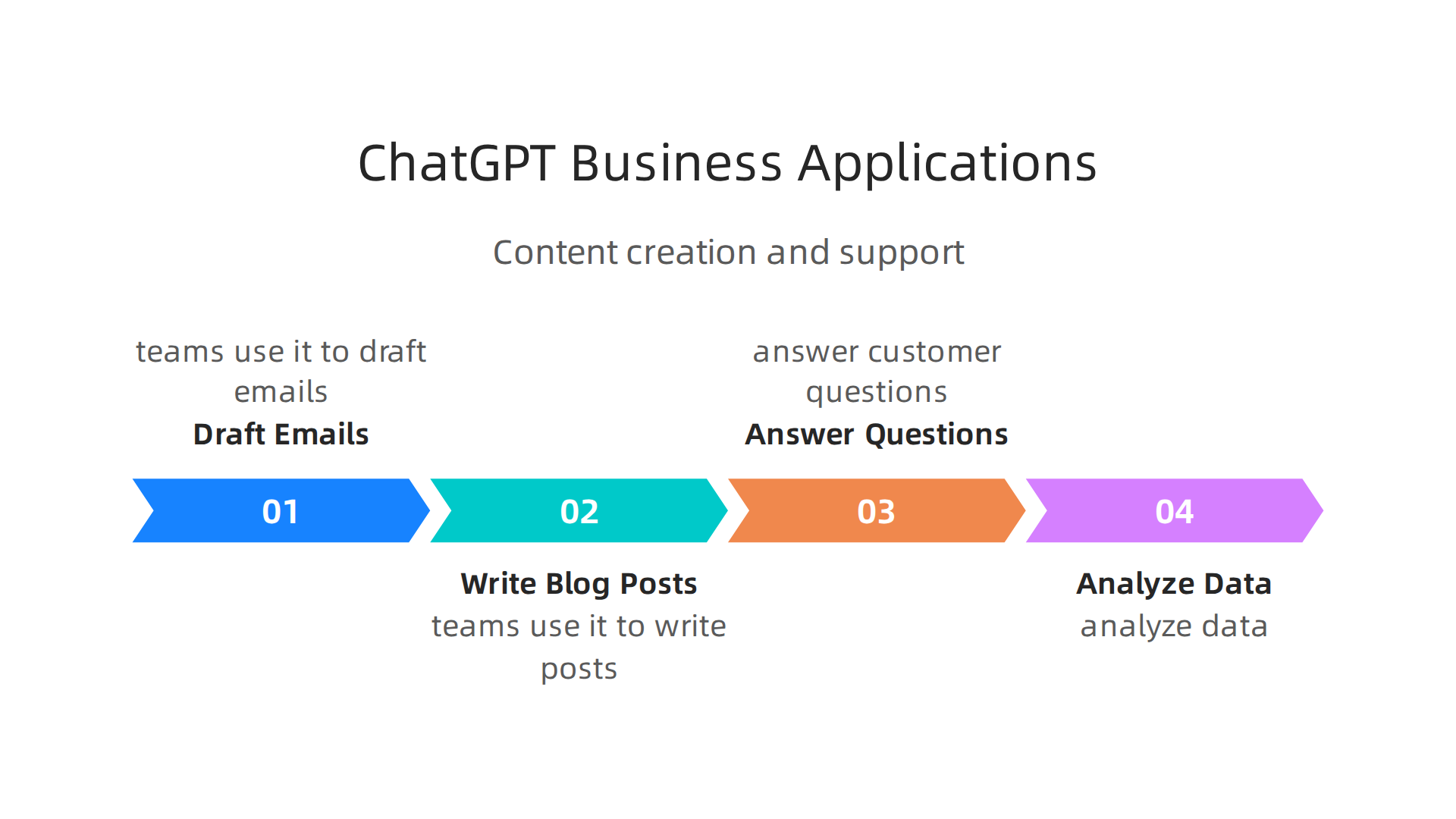
So why do so many companies turn to ChatGPT? The main reasons are content creation and customer support. Teams use it to draft emails, write blog posts, answer customer questions, and analyze data.
One study from MIT found that workers using ChatGPT finished tasks 40% faster and raised output quality by 18%. That is a real productivity win.
ChatGPT also fits into your existing workflows. You can connect it to your CRM, help desk, or project management tools. That turns it into an AI powered virtual assistant that cuts down manual work across your whole team.
But here is the catch. If you work in a regulated industry like healthcare, finance, or legal, you need to be careful. ChatGPT processes data on cloud servers, and sending sensitive customer information there could break privacy rules. That is why many compliance teams now use strategies to keep generative AI safe.
For a deeper look at how to use ChatGPT without running into trouble, check out this guide on AI regulations 2026 compliance strategies to avoid million dollar fines. It covers the exact steps to take when using AI tools in regulated work.
The AI landscape shifts fast, and ChatGPT keeps adding new features. To stay ahead, get clear daily updates with The AI Newsletter Worth Reading. It delivers bite-sized news so you never miss a change.
2. Jasper AI – Marketing Content Generation
ChatGPT works great as a general helper. But when you need content that drives sales and ranks in search, Jasper AI is one of the best AI tools for the job.
Jasper focuses on long-form marketing content. Think blog posts, email sequences, landing pages, and social media campaigns. Teams that use Jasper say it cuts content production time by up to 80%.

A project that used to eat a whole day now takes a couple of hours.
What makes Jasper different is its SEO integration. It works directly with tools like Surfer SEO and Semrush. As you write, Jasper scores your content for search visibility. You do not wait until the end to find out your article has no chance of ranking. You fix it in real time.
Jasper also learns your brand voice. Upload your style guide and past content, and it matches your tone across every piece. For marketing teams producing weekly blogs and monthly newsletters, that consistency is huge.
But here is something you need to watch. AI content sounds confident even when it is wrong. If you sell regulated products like health supplements or financial services, every claim needs a human review. Do not publish AI output without checking the facts first. The 22 top AI statistics and trends from Forbes Advisor show that over 60% of business owners believe AI improves productivity. You get those gains, but only if you add human oversight.
For a closer look at staying compliant with AI generated marketing, read this guide on AI regulations for businesses using AI generated visuals. It covers the rules you need to follow so your content keeps working for you, not against you.
3. Grammarly – AI-Powered Writing Assistant
You have probably used a spell checker before. Grammarly is far beyond that. It is an AI powered virtual assistant that helps you write better across every channel.
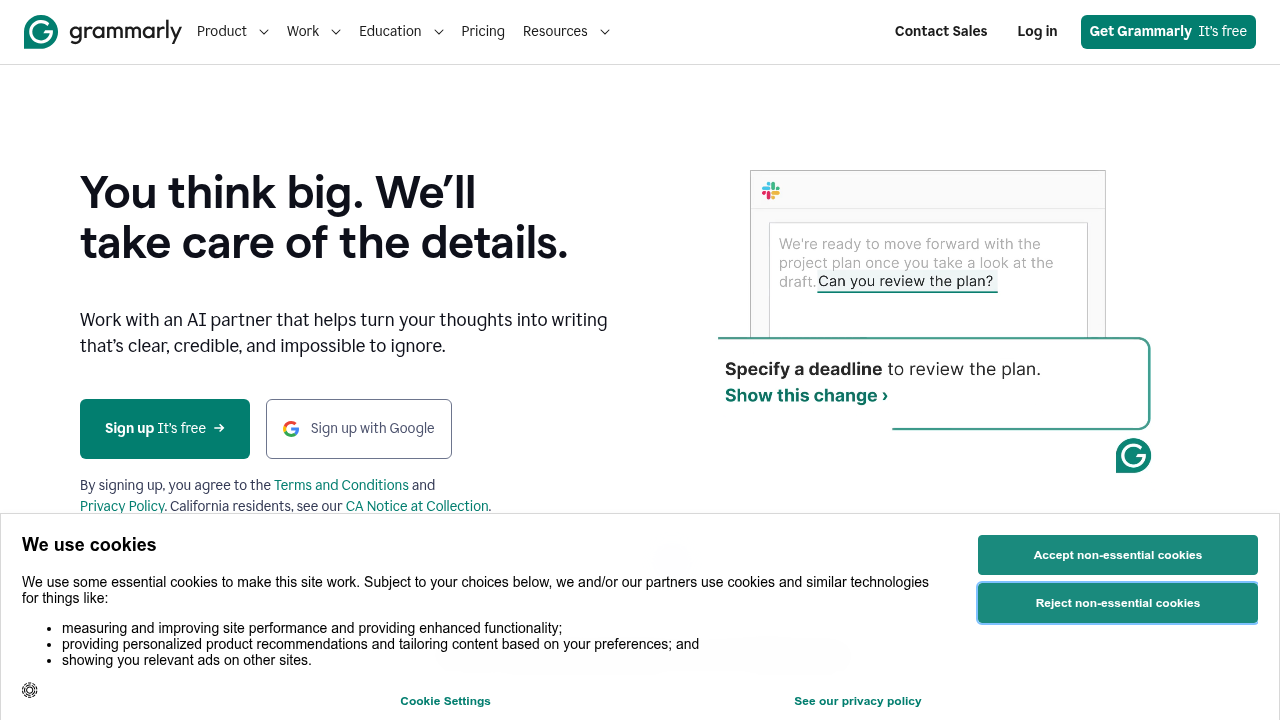
Grammarly checks your spelling and grammar in real time. But it also looks at your tone, clarity, and sentence structure.
If you are writing a customer email that sounds too harsh, Grammarly flags it. If your blog post repeats the same words too often, it gives you better options.
For teams, the enterprise version adds even more power. You can set a brand voice and enforce it across every team member. No more emails that sound like five different people wrote them. Grammarly also includes compliance controls. If your industry has rules about language in customer communications, Grammarly makes sure everyone follows them.
Businesses that use Grammarly say it saves hours of editing time each week. That is a big win when you are trying to produce content fast. Research shows that AI writing tools boost productivity and output quality for tasks like writing cover letters and reports. The same principle applies to Grammarly.
Grammarly works everywhere. It has browser extensions, a desktop app, and integrations with tools like Google Docs, Microsoft Word, Slack, and Salesforce. Your team does not need to switch apps to get better writing.
If you are serious about using AI tools for content, Grammarly is a must have. It is one of the best ai tools for making sure every word you publish is clear, consistent, and on brand.
Moving from writing to visual content, the next tool in our top 10 AI list builds entire websites without code. For more on scaling AI tools like Grammarly across your organization, check out this guide on scaling AI for business operations. And to stay ahead of the latest AI updates, get clear daily insights from the AI Newsletter Worth Reading.
4. Tableau – AI-Driven Data Visualization and Analytics
Data is everywhere. But raw numbers alone do not tell a story. That is where Tableau comes in. It is one of the top 10 AI tools that turns messy data into clear, interactive visuals.
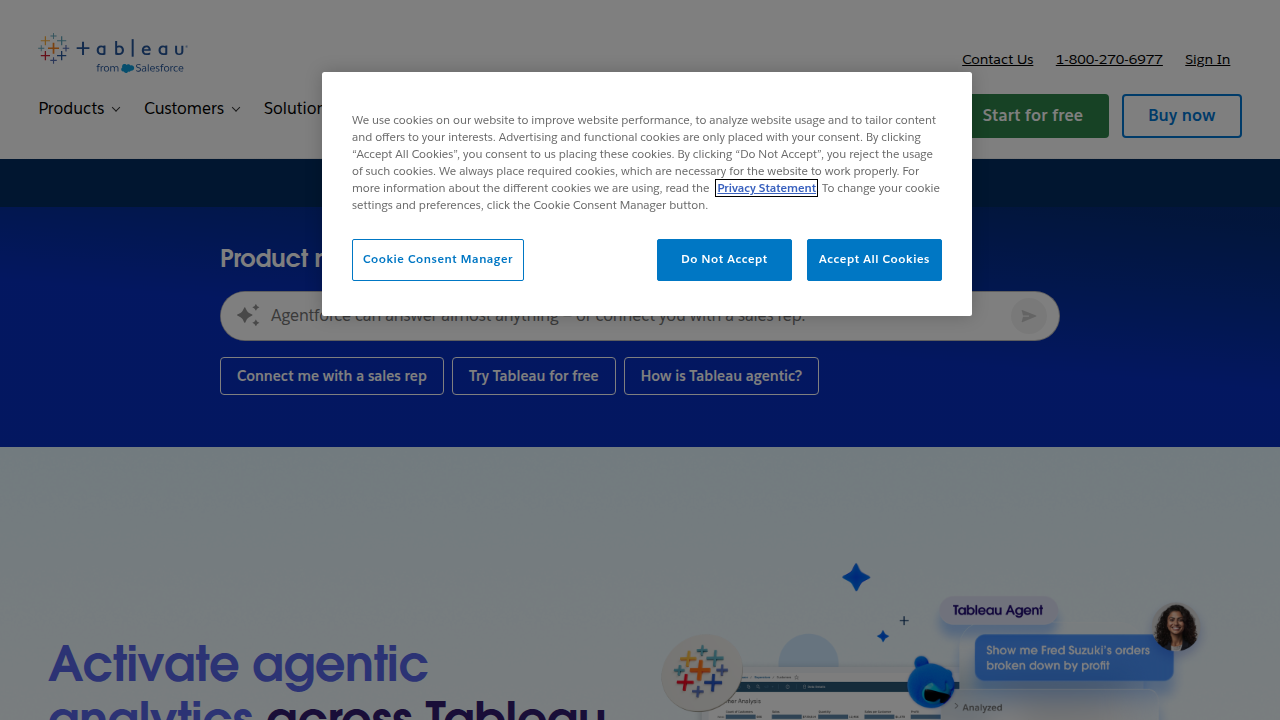
And in 2026, Tableau has moved far beyond simple charts.
Tableau now uses AI to do the heavy lifting for you. Instead of spending hours building dashboards, you can ask questions in plain English and get instant answers. For example, you can type "Why did our sales drop last Tuesday?" and Tableau’s AI will find the reason, show you the trend, and write a plain language summary with a supporting chart. That is a game changer for busy teams who need answers fast.
The best part is that you do not need to be a data expert. Tableau’s AI powered virtual assistant, called Tableau Agent, helps non-technical users build calculations, pivot tables, and even recommend the best chart type for your data. This makes it one of the best AI tools for democratizing data across your company.
With its new semantic layer, Tableau ensures everyone uses the same definitions for metrics like "profit" or "customer satisfaction." No more arguments about which number is right. This is especially valuable for compliance teams who need consistent reporting. If you are building a data driven culture, understanding how AI tools work under the hood is important. You can start by reading up on artificial intelligence and machine learning explained for 2026 business leaders to get the big picture.
Tableau also helps you take action on insights. When the AI spots an anomaly, like a sudden spike in returns, it can trigger a workflow in Salesforce or send an alert to Slack. Your team can act immediately instead of waiting for the next meeting.
If you are serious about making data driven decisions, Tableau deserves a spot in your top 10 AI list. It turns data into a strategic advantage for your whole organization.
5. Salesforce Einstein – AI for CRM and Sales
Your customer data holds huge potential. But finding the right leads and knowing when to reach out can feel like guesswork. That is where Salesforce Einstein shines. It is an AI layer built right into the Salesforce platform. And in 2026, it is one of the top 10 AI tools for any sales team.
Einstein takes the busy work off your plate. It automatically scores leads so you know which ones are ready to buy.
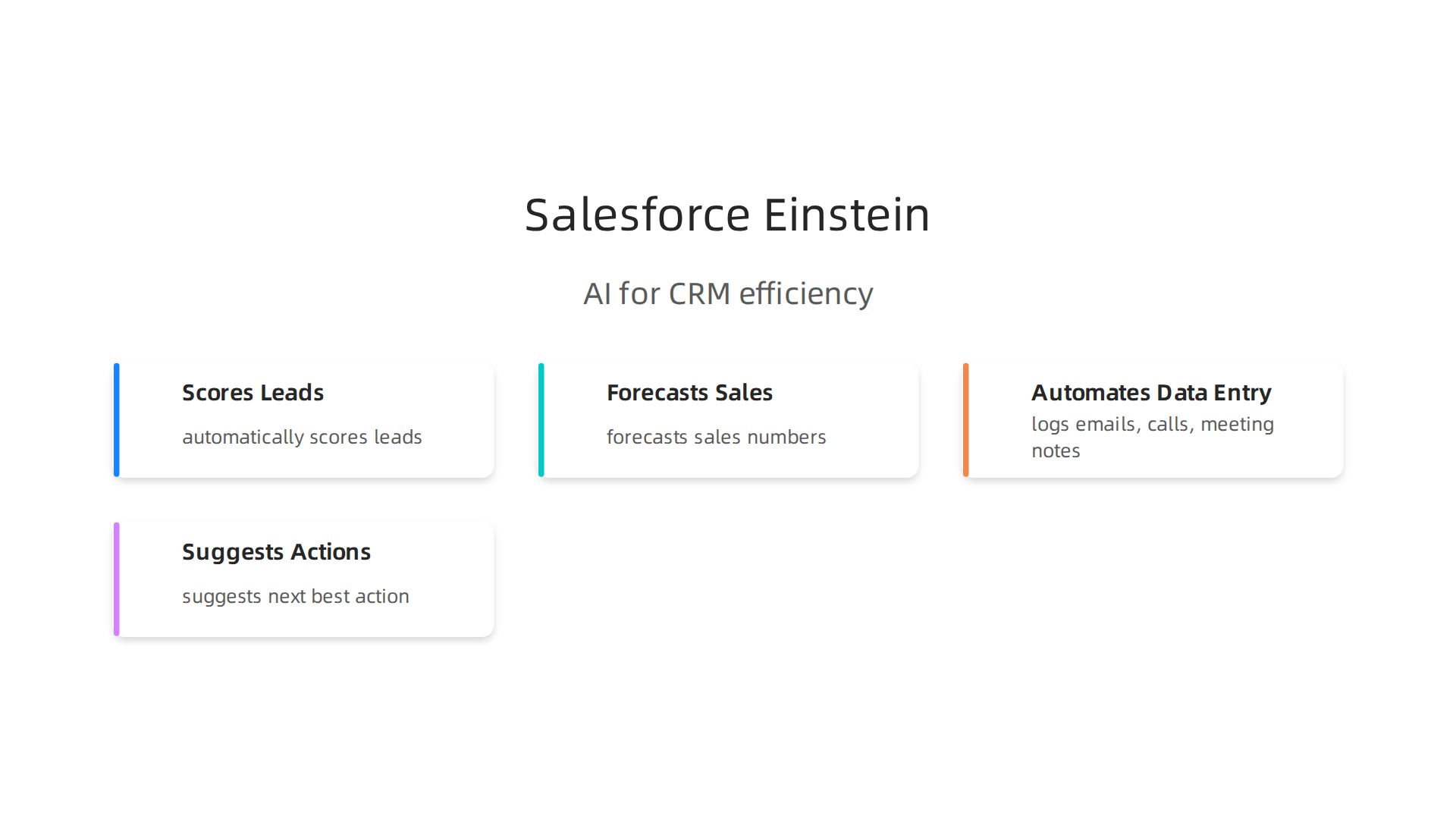
No more cold calling people who are not interested. Einstein also forecasts your sales numbers with impressive accuracy. It learns from past deals, market trends, and even external signals like news events. Your team can focus on closing deals instead of updating spreadsheets.
Data entry is a chore that Einstein handles for you. It logs emails, calls, and meeting notes automatically. It even suggests the next best action for each customer. This saves hours every week and reduces human error.
Einstein fits right into your existing workflow. It works seamlessly with Sales Cloud and Marketing Cloud. And it connects with other tools you already use. The AI understands your business context and gives you insights that actually matter.
For teams that already use Salesforce, turning on Einstein is a natural next step. If you are building your business with the best AI tools of 2026, Einstein deserves serious thought.
Want to stay ahead on AI and technology regulation news? You won’t want to miss it. Get clear daily AI updates from The Deep View Newsletter straight to your inbox.
If you are new to AI compliance in sales, reading about AI regulations 2026 for businesses using AI-generated visuals can help you understand the bigger picture.
6. Zapier – AI-Powered Workflow Automation
Repetitive tasks eat up your day. Copying data from one app to another, sending follow-up emails, updating spreadsheets. That busywork adds up fast. But in 2026, Zapier makes it disappear.
Zapier connects over 5,000 apps without a single line of code. You set a trigger, and it runs actions automatically. A new lead in your CRM? Zapier can create a contact in your email tool, add them to a Slack channel, and update your Google Sheet. All in seconds.
The new AI features take this even further. You can describe what you want in plain language, and Zapier builds the workflow for you. No more dragging and dropping steps. Just type "when I get a new Stripe payment, send a welcome email and add the customer to my Notion database" and it sets it up. That is a seamless AI experience.
Teams that use these automations save serious time. A review of AI automation tools that actually save time shows users cutting manual work by 10 to 20 hours per week.

That is extra time for strategic projects or, honestly, getting out of the office on time.
Zapier works for marketing, sales, IT, and operations. It helps cross-functional teams stay in sync without manual handoffs. And it starts free for up to 100 tasks per month.
If you are looking for the best AI tools to reduce busywork, Zapier is an easy win. Pair it with smart compliance practices by reading about scaling AI for your business to make sure your automations stay safe and legal.
7. Otter.ai – AI Transcription and Meeting Notes
Meetings can be where good ideas go to disappear. You leave a call with three action items, and by lunch you remember one. Otter.ai fixes that problem for good.
Otter.ai is an AI powered virtual assistant that handles real-time transcription and automated meeting summaries.
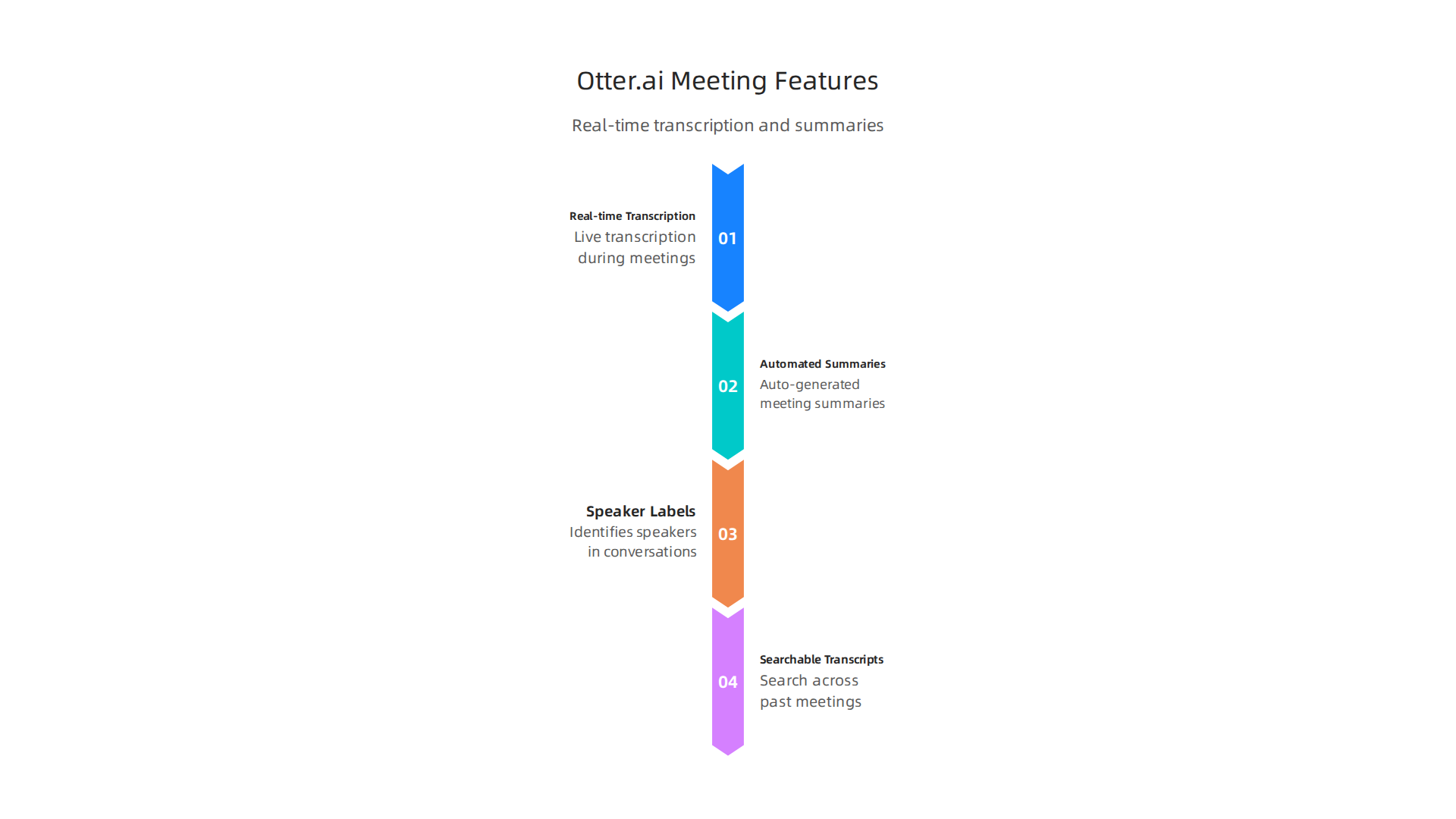
It connects directly to Zoom, Microsoft Teams, and Google Meet. While you talk, it captures every word with speaker labels. When the meeting ends, you get a clean transcript plus a short summary of decisions and next steps.
No more scrambling for a pen while trying to stay present in the conversation. Otter does the note-taking so you can focus.
The search feature alone saves hours each week. You can find any topic, name, or date across months of meetings in seconds. That is way faster than scrubbing through recordings.
Teams that connect Otter.ai transcripts to their project management tools can remove even more manual work. Syncing meeting notes to a CRM or task list is one of the best Zapier automations for saving time and boosting ROI.
Since Otter records conversations, you also need to think about consent and data privacy. Stay on top of the legal and ethical risks of AI voice tools so your team stays compliant.
Otter.ai starts free with 300 minutes of transcription per month. The Pro plan costs $16.99 per month and unlocks unlimited recording plus advanced search. For anyone checking out the top 10 AI tools in 2026, Otter.ai earns its spot as a meeting productivity essential.
Stay updated on tools like this one and the regulations around them with The AI Newsletter Worth Reading.
8. Notion AI – AI-Enhanced Project Management
If your team stores docs in one app, tasks in another, and meeting notes in a third, you know how fast information gets scattered. Notion AI solves that by bringing everything into one smart workspace.
Notion AI adds writing, summarization, and brainstorming tools right where your team already works. You can turn a quick meeting note into a full project brief with one prompt. The AI can summarize long documents, generate action items from notes, and even draft wikis or policies without starting from scratch.
What makes Notion AI different is context. Because it sits inside your existing Notion workspace, it understands the relationships between your documents, tasks, and databases. As one expert explains, when you connect your docs, decisions, and meetings in one place, AI project management tools understand the full picture behind your work and turn it into useful output.
This reduces context switching in a big way. Instead of jumping between five apps to piece together a project status, you ask Notion AI and get the answer right there. For teams ready to move from a pilot to company-wide use, learning how to scale AI for business is the natural next step.
Staying informed on the rules that govern these tools is just as important as the tools themselves. Get clear daily AI updates from The Deep View Newsletter to track regulations while you build.
Notion AI is available as an add-on starting at $10 per member per month on the Plus plan.
9. Google Cloud AI – Scalable AI Services for Business
Notion AI works best inside one connected workspace, but what if your business needs AI that can handle massive datasets, build custom models, and serve thousands of users at once? That is where Google Cloud AI comes in.
Google Cloud AI offers pre-trained models for vision, language, and decision-making. You can use them to power an AI powered virtual assistant, analyze customer sentiment, or detect objects in images without training a model from scratch. For teams that need more control, Vertex AI lets you train and deploy custom models using your own data.
Pricing is pay-as-you-go, so you can start small and scale as your needs grow. There are no upfront commitments. This makes low-risk experimentation possible. You test a few predictions, validate the results, and then expand usage across the company.
Google Cloud also puts a strong emphasis on data governance and responsible AI. Their tools help you audit model decisions, protect sensitive data, and stay aligned with emerging regulations. As you build out your AI stack, learning about AI regulations 2026 compliance strategies can help you avoid costly mistakes.
In this top 10 AI tools list, Google Cloud AI earns its place by offering a seamless AI platform that grows with your business. Whether you are a startup testing your first model or an enterprise deploying at scale, the tools and infrastructure are ready when you are.
10. IBM Watson: Enterprise AI for Decision Support
Rounding out our top 10 AI tools list is IBM Watson, a platform built for businesses that need reliable, explainable artificial intelligence. While Google Cloud AI gives you scalable model training, Watson focuses on helping you make critical decisions with confidence. It is trusted by organizations in finance, healthcare, and other regulated sectors.

Watson stands out because it is built around trust. Every decision the AI makes can be traced back, explained, and audited. This is essential if you operate under strict compliance rules. With Watson, you can perform risk analysis, detect fraud in real time, or personalize customer experiences at scale. The platform offers pre-built industry solutions, so you do not have to start from scratch.
Because regulations around AI are tightening fast, using a tool that prioritizes explainability helps you stay ahead. Learning about AI regulations 2026 compliance strategies for businesses can guide your rollout. Staying on top of daily updates in tech regulation matters just as much. That is why many leaders subscribe to The AI Newsletter Worth Reading. It delivers clear, daily AI updates straight to your inbox.
IBM Watson earns its spot in this top 10 AI tools list by bringing enterprise-grade reliability and transparency to every decision. If your business needs AI that not only works but also defends its reasoning, Watson is a strong choice.
Summary
This article reviews the top 10 AI tools that businesses should consider in 2026, focusing on practical impact and regulatory safety rather than hype. It covers major platforms—from ChatGPT and Jasper for content, to Tableau and Google Cloud for data and custom models, to workflow and meeting tools like Zapier and Otter.ai—and explains what each tool delivers in productivity gains. The piece emphasizes compliance: why regulated industries must guard data privacy, ensure explainability, and follow emerging rules to avoid fines. Readers will learn which tools fit common business needs, how to integrate them into workflows, and which compliance resources and steps to follow to deploy AI responsibly and measure results. The article also points to daily newsletters and deeper guides to help teams stay current as the AI landscape and regulations evolve.